

If you have just launched a WordPress website, you are probably looking for the exact formula to get free, consistent traffic. The answer is simple: Search Engine Optimization (SEO).
While WordPress is naturally SEO-friendly, relying on default settings is not enough to beat your competitors. To truly dominate Google search results and drive massive traffic, you need a proven strategy and the right tools.
In this straightforward guide, we will reveal the absolute best SEO plugins for WordPress and show you the effortless way to set up your site for maximum visibility.
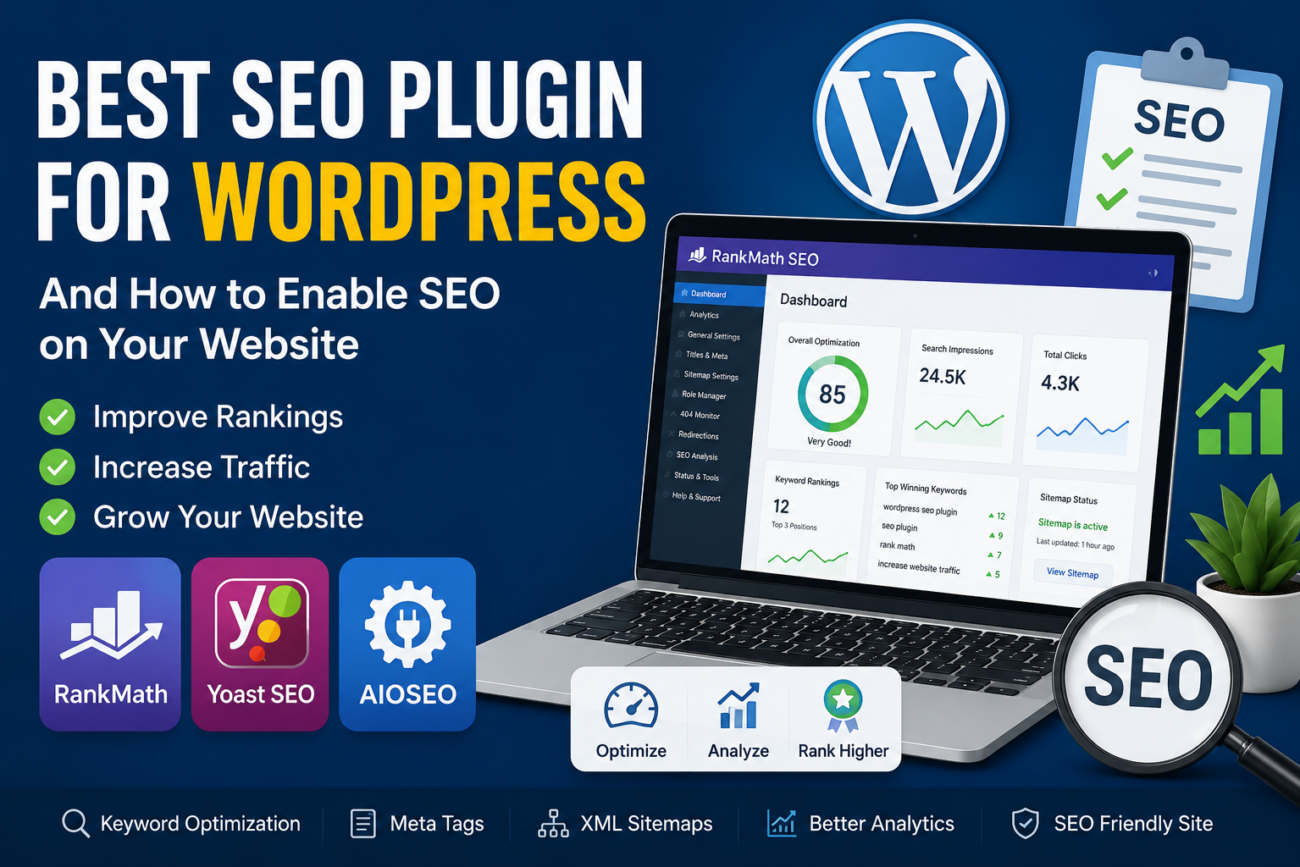
The Top 3 Best SEO Plugins for WordPress
You do not need to be a coding genius to rank on page one. A powerful SEO plugin acts as your personal assistant, running site audits and guiding your content optimization. Here are the top three proven choices:
1. Rank Math (Highly Recommended)
Rank Math has completely disrupted the SEO world by offering premium, powerful features for free. It is incredibly lightweight and practically does all the heavy lifting for you.
- Best for: Beginners and experts who want an all-in-one, effortless setup.
- Key Features: Built-in keyword rank tracking, smart schema markup generator, and an AI-powered content assistant.
2. Yoast SEO
Yoast is the undisputed veteran of WordPress SEO. Millions of websites trust its intuitive traffic-light system (Red, Orange, Green) to instantly see if a post is fully optimized before hitting publish.
- Best for: Bloggers looking for a tried-and-tested, highly reliable on-page guide.
- Key Features: Advanced readability analysis, automatic XML sitemaps, and seamless meta-tag control.
3. All in One SEO (AIOSEO)
AIOSEO is an absolute powerhouse designed specifically for business owners who want to skyrocket their rankings without hiring an expensive SEO agency.
- Best for: Local businesses and WooCommerce store owners.
- Key Features: Actionable TrueSEO score, advanced local SEO modules, and deep social media integrations.
How to Enable SEO on Your WordPress Website (Step-by-Step)
Once you have chosen your ultimate plugin, it is time to optimize your site. Follow these crucial steps to ensure search engines can easily find and rank your website.
Step 1: Unhide Your Website from Google
WordPress has a hidden setting that can completely block Google from scanning your site. Fixing this is your vital first step.
- Navigate to Settings > Reading in your WordPress dashboard.
- Look for Search Engine Visibility.
- CRITICAL: Ensure the box next to “Discourage search engines from indexing this site” is completely unchecked.
- Click Save Changes.
Step 2: Set Up SEO-Friendly Permalinks
Messy URLs (like [techtalkbytes.com/?p=1046](https://techtalkbytes.com/?p=1046)) hurt your SEO. You want clean, instantly readable URLs (like [techtalkbytes.com/best-wordpress-seo-plugins](https://techtalkbytes.com/best-wordpress-seo-plugins)).
- Go to Settings > Permalinks.
- Select the Post name option.
- Click Save Changes.
Step 3: Install and Configure Your Plugin
Let’s use Rank Math as our primary example.
- Go to Plugins > Add New.
- Search for “Rank Math”.
- Click Install Now, then Activate.
- The plugin will instantly launch an Easy Setup Wizard. Just follow the on-screen prompts to automatically configure the perfect SEO settings for your specific site.
Step 4: Submit Your XML Sitemap
A sitemap is a magical roadmap that tells Google exactly where your most important content lives, ensuring faster indexing.
- Your SEO plugin (Rank Math, Yoast, or AIOSEO) automatically generates this for you.
- You can usually view it by visiting
[yoursite.com/sitemap_index.xml](https://yoursite.com/sitemap_index.xml). - Action Step: Copy this URL and submit it to Google Search Console to instantly alert Google about your new content.
Step 5: Optimize Every Post Before Publishing
With the technical foundation set, use your plugin’s meta-box (found at the bottom of your post editor) to optimize your content:
- Focus Keyword: Enter the exact phrase you want to rank for (e.g., “WordPress SEO Plugins”).
- Title Tag: Craft a magnetic headline (under 60 characters) featuring your keyword.
- Meta Description: Write a compelling, 150-character hook that forces readers to click your link in the search results.
- Image Alt Text: Describe your uploaded images using naturally placed keywords to capture Google Images traffic.
Final Thoughts
Mastering WordPress SEO is a continuous but highly rewarding journey. By securing clean URLs, unblocking search engines, and leveraging a powerhouse plugin like Rank Math or Yoast, you are building an unshakable foundation.
Install your favorite plugin today, publish consistently, and watch your organic traffic skyrocket!